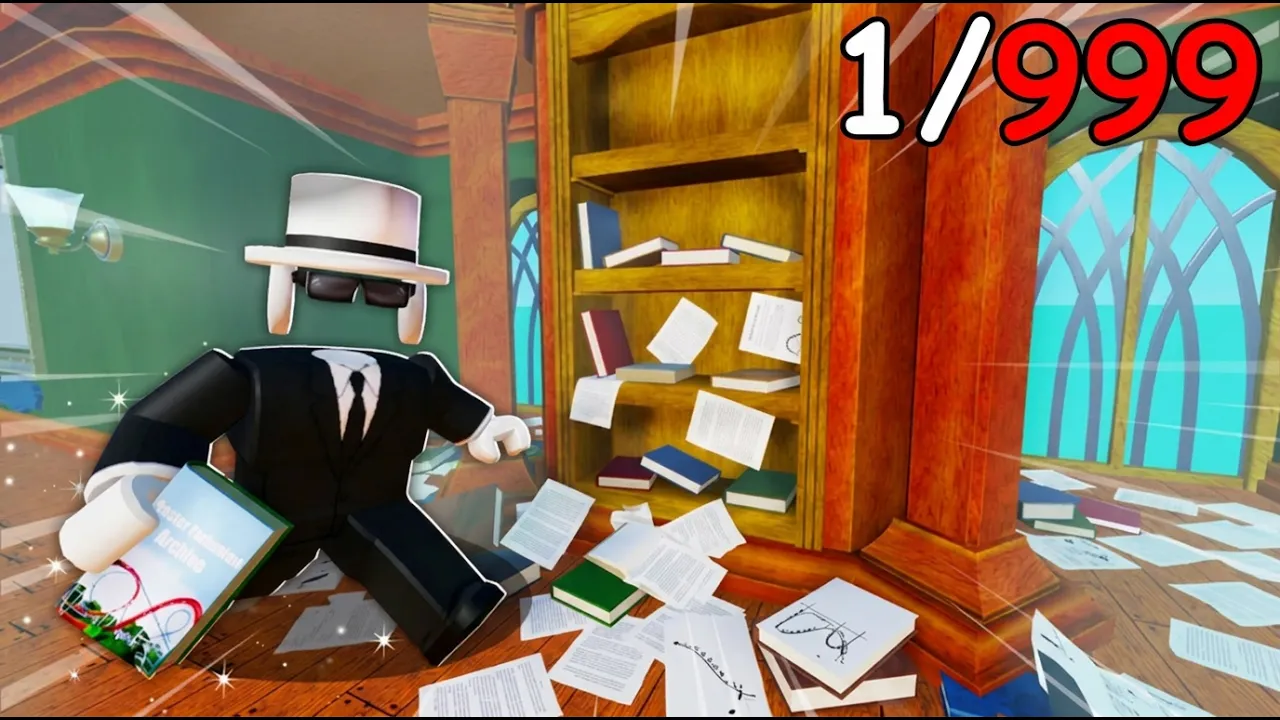
Clean The Library — librarians sorting scattered books in a two-floor magical library
Clean The Library · Retro Library

Clean The Library Wiki

Library sorting guides — how to play, shelf map codes (1A–2F), where books go, and magic upgrade order. Fan wiki reference for zones, abilities, and badges while you sort.

Updated: June 2026

Clean The Library gameplay walkthrough

Full library cleanup session — book sorting, shelf sections, and co-op pacing for new players. Video loads on click to keep the homepage fast.

Clean The Library guides

Popular

Walkthroughs for Clean The Library — beginner tips, map zones, sorting, and upgrades.

Browse all Clean The Library guides →

Clean The Library wiki quick links

Start with guides, then open the Clean The Library wiki reference — shelf map, tier list, and zone tools.

What is Clean The Library?

Clean The Library is a cooperative Roblox sorting game by Retro Library (project lead: StarMarine). Your local library is upside down — thousands of books are scattered across two floors. Pick them up, read spine labels, and shelve each volume in the correct section (1A through 2F) in series order.

Complete shelf rows to earn stat points, unlock magic abilities, and push toward the Clean The Library! badge. You can clean alone or with friends and compete for the fastest leaderboard time. The Roblox description notes inspiration from Librarian: Tidy Up the Arcane Library, with keys, upgrades, and a two-floor layout built for Roblox.

  • Unofficial Clean The Library wiki — not affiliated with Retro Library or Roblox Corporation
  • Official PC and controller controls documented on the controls guide
  • Shelf section map (1A–1J, 2A–2F)
  • Magic upgrade tier list and book-sorting walkthroughs
  • Codes watchlist — no active codes; 50,000 likes milestone on Roblox
  • Bookmark this Clean The Library wiki while sorting Clean The Library

Clean The Library first session

quick start

New to Clean The Library? Run through this checklist before chasing the full library badge.

  1. Learn controls

    E or click to pick up, Q to drop, scroll to switch books, right-click to zoom — from the Roblox game page.

  2. Sort one row

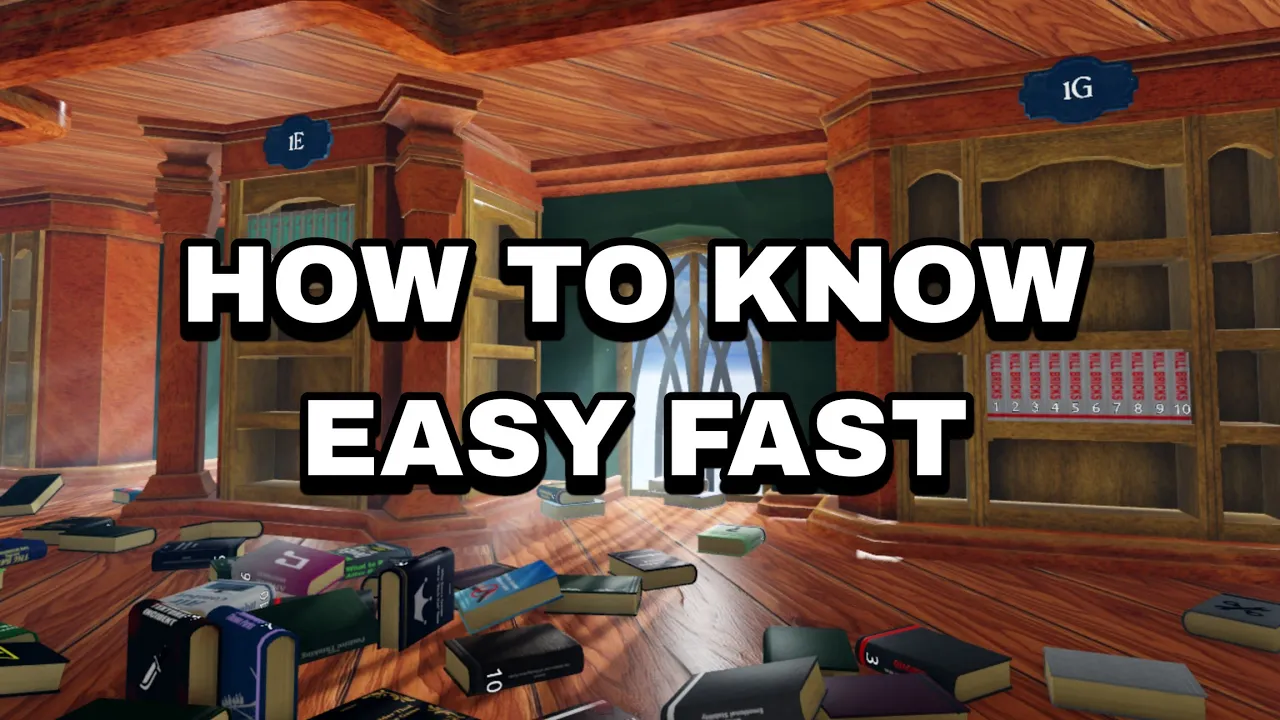
    Match cover color and category tag to a shelf code (e.g. 1H for Horror). Place volumes 1, 2, 3 in order.

  3. Watch for blue glow

    A full correct row lights up blue at the top. Full but dark means wrong volume or mixed series.

  4. Spend stat points

    Finish rows to earn points — see the best upgrades guide for magic unlock order.

Full Clean The Library beginner guide →

Clean The Library: solo vs co-op

Clean The Library supports solo cleanup and public co-op servers. Both paths earn stat points and count toward badges.

Solo cleanup

Personal best

  • Race your own time on the in-game leaderboard.
  • Learn one floor section at a time — backtracking costs minutes.
  • Prioritize movement and carry upgrades before late-game Auto-Shelving.
  • Dropped books now save on the floor (June 2026 update).
Solo beginner guide →

Co-op cleanup

Team split

  • Split floor one and floor two between players.
  • Use one central dump pile near the entrance — avoids overlap.
  • Pair Assemble (gather) with Sort (color group) roles.
  • Public servers support multiple librarians sorting at once.
Co-op tips in beginner guide →

Clean The Library magic abilities

Core magic upgrades referenced in community guides — unlock order depends on your shelf progress.

TierAbilityTypeNotes
SSortMagicGroups a pile of books by color — highest throughput for mid-game sorting.
SAssembleMagicPulls scattered books into one cluster — essential after co-op dumps.
AInsightMagicHighlights misfiled books on completed rows before errors compound.
AShelf GuideMagicHelps locate the correct section without burning hint charges.
BAuto-ShelvingMagicPlaces finished row batches — best unlocked late game on organized piles.

Open the full Clean The Library wiki →

Clean The Library tier list preview

Which books to grab first and which abilities to upgrade early.

TierTargetTypeNotes
SBright-cover setsBooksGreen, white, and yellow spines — easiest to match to shelf sections early.
ANamed seriesBooksMulti-volume sets (e.g. Spider-Man Collection) — finish in volume order 1→2→3.
CDark / black spinesBooksHarder to distinguish — save for when you know the section map.

Full tier list → · Best upgrades guide →

Clean The Library recent updates

Changes verified against the Roblox game page and community reports.

Floor book save

Books dropped on the floor now keep progress — noted in the live Roblox description.

50K likes code

Developers raised the free-code milestone to 50,000 likes on the Roblox page.

Giant map

Thousands of books across two library floors — plan routes by shelf section.

Wiki mechanics section →

Clean The Library wiki tools

Keep these open on a second screen while you sort — saved locally, not indexed.

Clean The Library FAQ

How do you play Clean The Library?

Clean The Library is a library sorting game. Pick up scattered books, match them to shelf section codes (1A–2F), place series in volume order, and complete rows to earn stat points for magic upgrades.

Why is my shelf full but not glowing blue?

A row that looks full but stays dark usually has a missing volume, wrong order, or a book from another category mixed in. Use Insight or re-check spine labels against the map guide.

Are there promo codes for Clean The Library?

No active codes as of June 2026. The Roblox game page promises a reward at 50,000 likes — see our dedicated codes page for status and redeem steps when one drops.

Can you play Clean The Library solo?

Yes. Solo and co-op both work on public servers. Solo runs focus on personal leaderboard times; co-op splits sections between players.

What are Clean The Library controls on PC?

E or click to pick up/place, Q to drop, scroll to switch books, right-click to zoom — listed on the official Roblox game page and our controls guide.

Is this the official Clean The Library wiki?

No. This is a fan-maintained Clean The Library wiki. Verify critical details on the Roblox game page by Retro Library.

Play Clean The Library

Play Clean The Library on Roblox and keep this Clean The Library wiki open while you sort — beginner guides, shelf map, and upgrade priorities in one place.